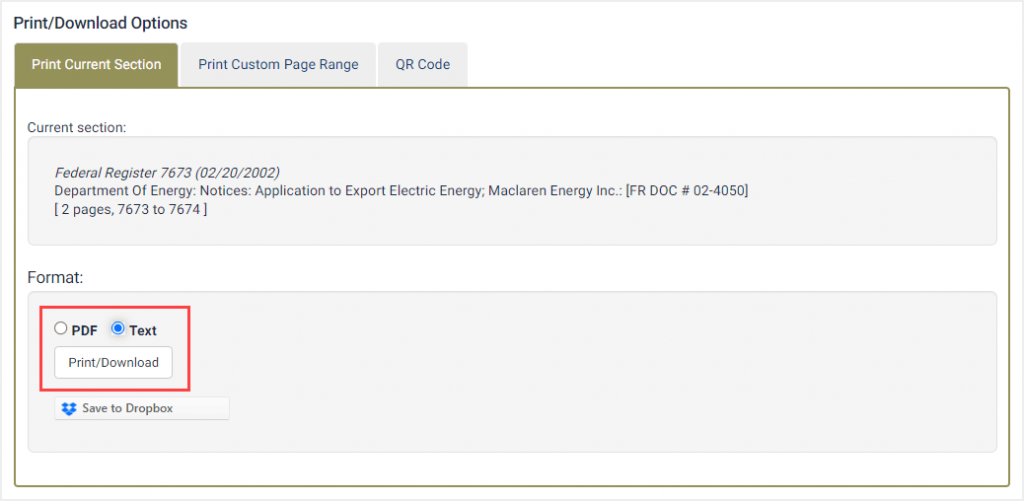
Downloading a document as a PDFText file will generate the text version of the document and open it in a PDF file format. This allows you to search the PDF using your Adobe PDF Reader. Like a text file, a PDFText file is also generated from the uncorrected OCR text. Therefore, spelling, grammatical and character errors are not corrected.
To download a document as a PDFText file, you will select the Print/Download Options icon located in the document navigation bar then simply change the format of the download to text