
Librarians and administrators can customize Popular Databases right through MyHein, and the process takes just a few minutes. Watch this video or keep reading to learn more.
If you are a dedicated admin or librarian for your institution, visit the MyHein LibGuide to locate the Popular Databases section. Within this section, you will find the Popular Databases Administrator Request form.
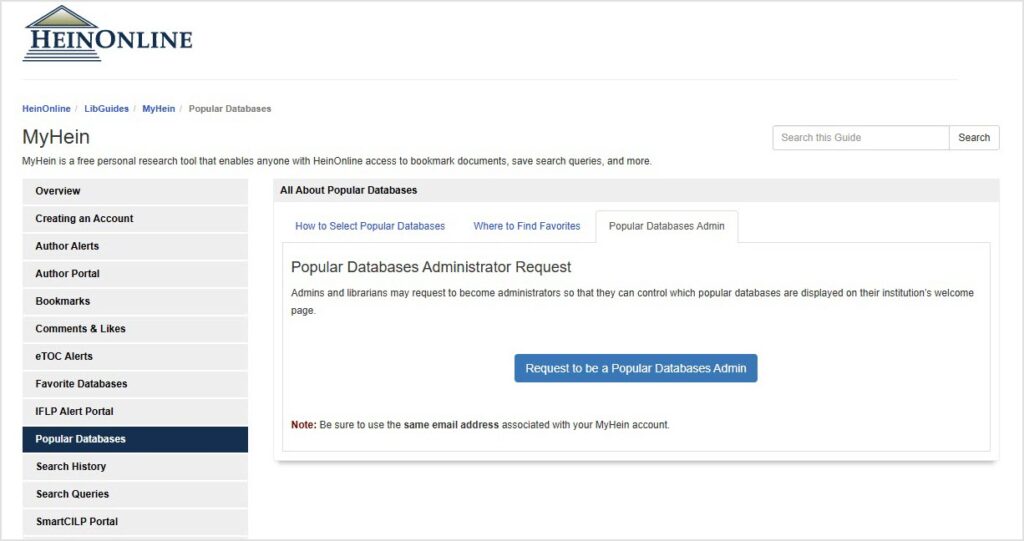
NOTE: To choose your institution’s Popular Databases, you will need a MyHein account. Be sure that you use the same email address associated with your MyHein account when completing the form.
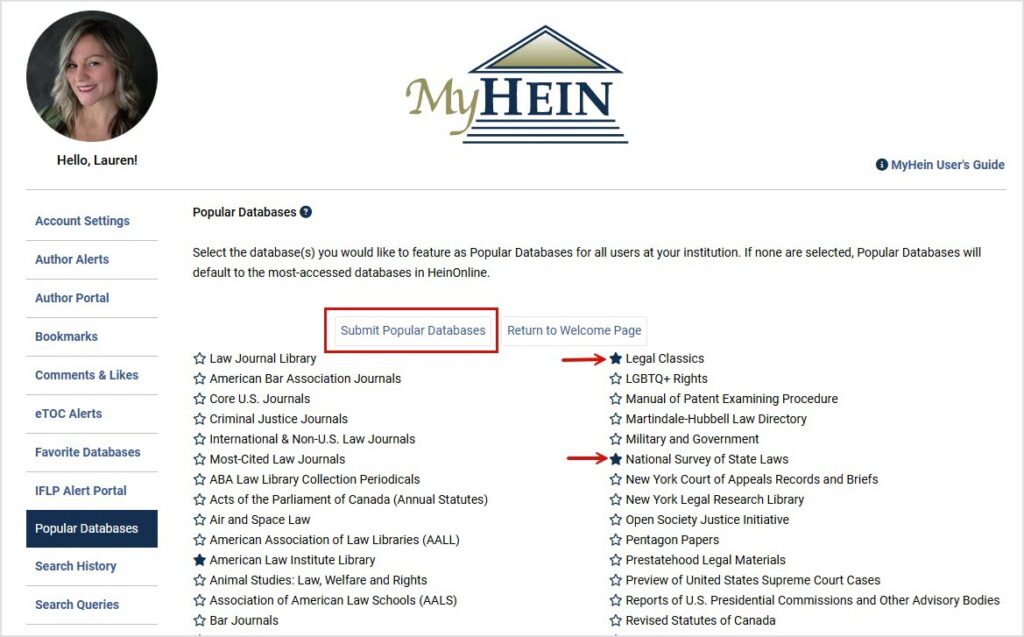
Once a HeinOnline Support team member approves your request, simply log in to your MyHein account, and you’ll see a new Popular Databases menu option available. Star the databases you want to highlight and choose Submit Popular Databases.
Next, return to your welcome page to see your homepage update instantly. This change will apply to everyone who signs in under your institution’s subscription.
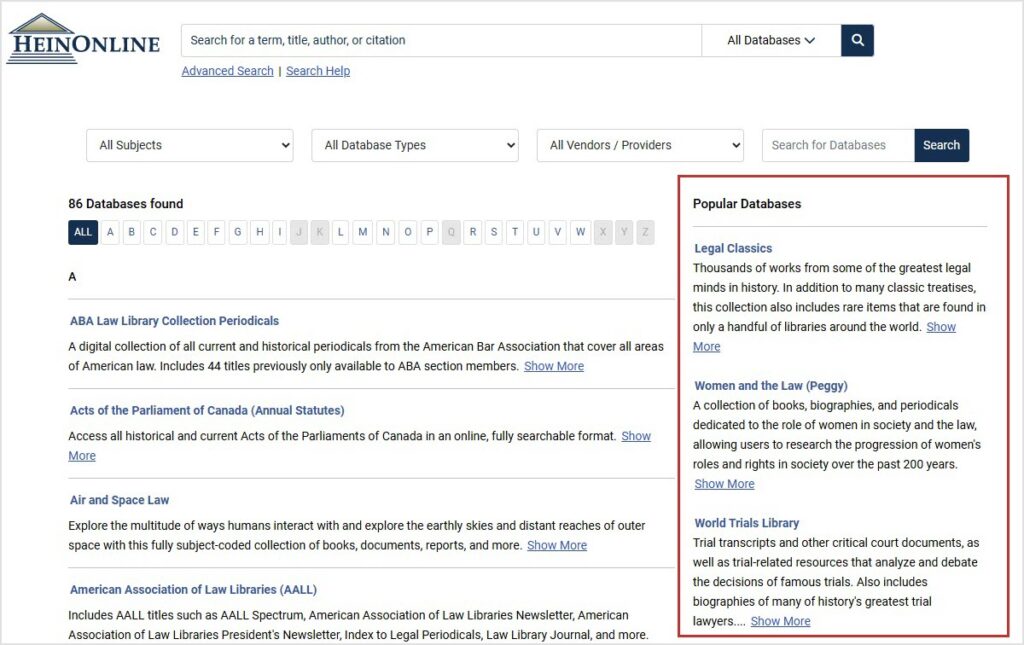
If you do not select any databases, the Popular Databases section will default to HeinOnline’s most-accessed collections.